My first somewhat safe steps with OpenClaw🦐🦀🦞
I tried to follow the hype without getting bitten by the autonomous claw for now🤞. Here are the small pieces of advice I can give.
It’s a cheap joke. But as a half-Japanese, I will always try any sort of crayfish. And so I ended up testing OpenClaw while being here in Kyoto. I seem to be somewhat in the 2nd wave of the hype. On one hand, colleagues of mine at Handelsblatt have been trying out things with this agentic AI for a while. I have only written so far about its possible shortfalls in terms of security with these colleagues.
At the same time, people in the Machine Learning meetup for Tokyo just had a session how to build local AI agent systems this week.

Anyways, so what did I use to test out OpenClaw without compromising the security of my laptop or even worse, my digital identity? I decided to look for a somewhat shielded environment and used German server provider Ionos’ Virtual Private Server (VPS) tailored somewhat to OpenClaw.
It took about a week to get access to my server, but I wanted to rather be slow but safe. And 2 Euros to start is a fair price. Once I got access to my server instance, I followed with this installation guide by Ionos and got OpenClaw to run.
There are a few small learnings I can offer to you other than following this guide and I will write them down here:
a) Don’t think that the password you need to connect via your terminal to the VPS is related to any of the SSH keys that you have on your computer. Probably this sounds very dumb and obvious for any serious programmer. But I lost half an hour due to this. It is simply the password that is on your overview page of your server provider.
b) Don’t do something in between while you are following this installation guide. I went grocery shopping midway through this experiment and the terminal on my mac lost the connection. This confused the heck out of the server and I had to find a way to uninstall everything and start from new.
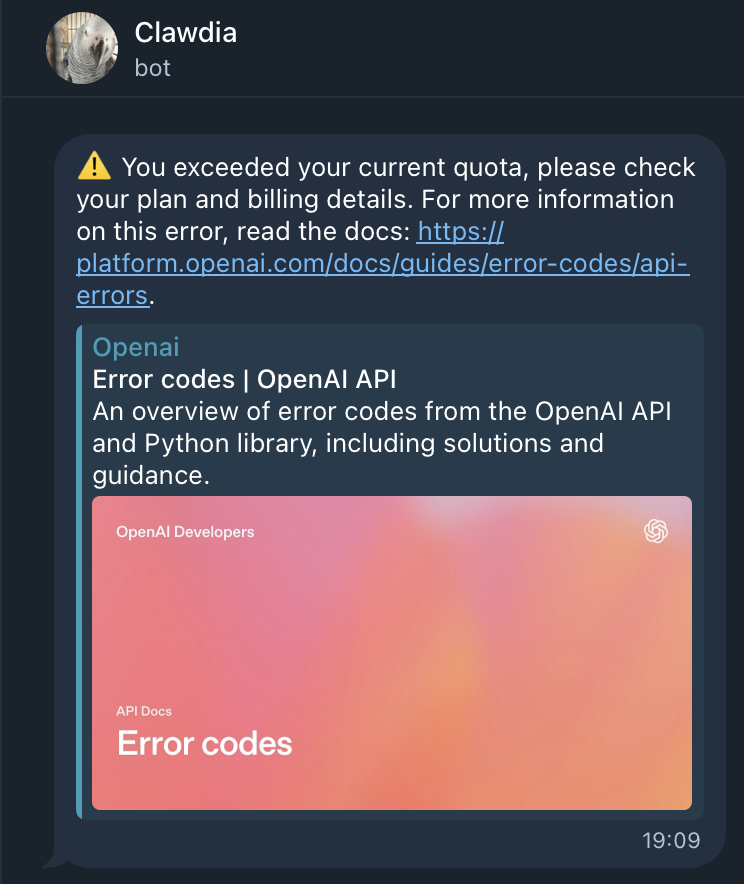
c) Be smart about which LLM you want to use for OpenClaw. I found this thread on Reddit quite helpful as it explains how you can use an OpenAI ChatGPT subscription to run it. This means rather than using an API key and burning tokens, you basically have a flat rate-ish thing going. Important: your verification key on the terminal is the URL to which you are redirected after trying to authenticate Codex. It took me a few tries but trust me, it is worth it.
d) Don’t just do whatever is first suggested in the installation guide. Let me be clear, the installation guide of OpenClaw is great. But be picky with which skills you want to add and which ways of communication you want to use for your version. I decided to use Telegram like most users as it is relatively safe to set up. But I limited very much the additional skills that I implemented.
e) Ask your Clawbot and other LLMs, Chatbots, Reddit forums what is regarded as safe practice. I got some good advice for my setup from "Clawdia" (this is how I called my OpenClaw bot) herself and other LLMs to minimize the risks.
f) Get everything separate! I have set up a separate Github for Clawdia and a separate credit card with a fixed limit. Both of which I have to still implement into Clawdia (mind you, I am still on vacation). But it gives me some sense of security and hope that this experiment will not burn through my wallet while I am having some matcha.
After doing all that, I got “Clawdia” running for me and I have experimenting with her since Monday late.
So far I got her to write a small script to fetch me research papers from the FED on a weekly basis and summarize them. This has been a task that I have already created and I have been regularly running in n8n. And from the first run at least, the Clawdia version seems to work just as good as my n8n-version. In the next weeks, I want to expand the things that I will try out with Clawdia and myself and will keep you posted here.
Comments 0
No comments yet — be the first.