Shit! How you find a better way to shield your Claude Code
It turns out that virtual environments are not always virtual environments. And that you should carefully pick yours.
Can you recall the feeling when finding out that a person knows a secret of yours that he or she should not know? This rush of adrenaline, anxiety, and embarrassment? This race of thoughts of who could have told when what?
to be in safe mode that asks your for each step separately as you are used to.
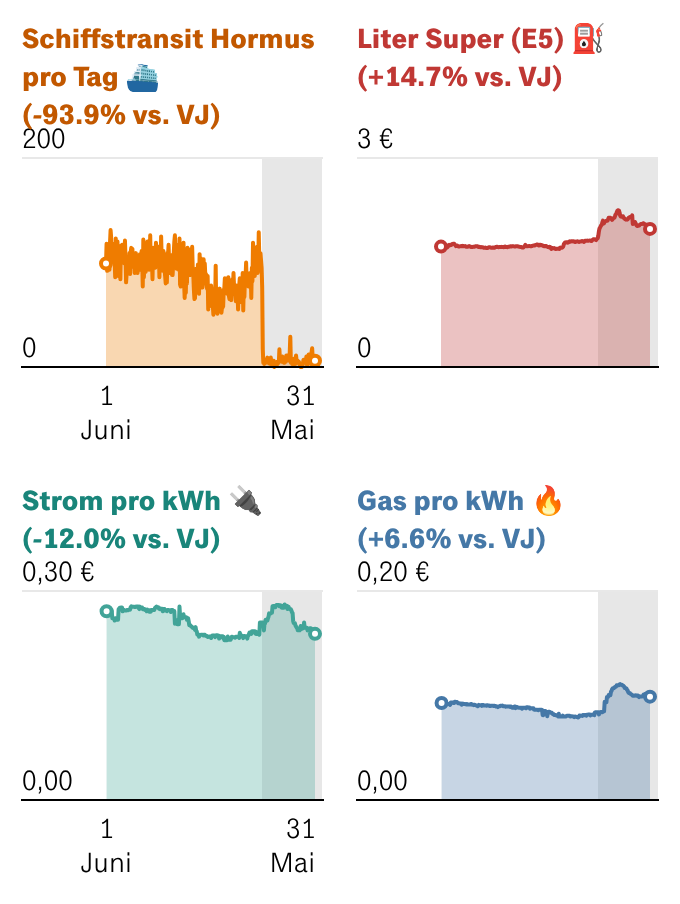
Well, that is basically me last Friday with the small exception that it was Claude Code that could read into secrets that should have been hidden from it. I was programming a new dashboard for the homepage of Handelsblatt to track the Hormuz' crisis and used a good chunk of Claude Code and Datawrapper's help.
And then I wanted Claude Code to adjust the way that the script stores secret keys to align with how I have been handling this for a while at my company. I gave as an example a demo script that shows the architecture and asked Claude Code to implement it. But not only did it implement this method. It was also able to read the secrets on my local machine, despite being in a different folder that I only have opened in Python venv mode as explained just two weeks ago here.
The conversation with Claude Code was of course, peak hyperbole of "BTW-OhShit-How?!"
/btw why can you read this file? which is outside of your scope?
Good catch. The file path /Users/halukamaier-borst/xyz is within your home directory, which is accessible to Claude Code because it runs locally on your machine with your user permissions — not in a sandbox.
So, I learned the hard way that venv actually does not work as a full-on cage for Claude Code. And that somehow, despite plenty of checks, I gave the LLM access to the keys. After revoking the fortunately not so sensitive API keys to Datawrapper and such, I had to find a new solution, which is this for now.
Claude Container is a solution that is open source and relatively easy to install and offers the same protection as Docker. Also, you do not have to pay for a business license. The only tricky part for me was that I had not access to my global user, as it was my company's mac. So the fix in this case is copying something like this into your dockerfile:
Claude Container is a solution that is open source and relatively easy to install and offers the same protection as Docker. Also, you do not have to pay for a business license. The only tricky part for me was that I had not access to my global user, as it was my company's mac. So the fix in this case is copying something like this into your dockerfile:
# Put global npm installs under /home/coder (writable) ENV NPM_CONFIG_PREFIX=/home/coder/.npm-global ENV PATH=/home/coder/.npm-global/bin:$PATH RUN npm install -g @earendil-works/pi-coding-agent
After installation, you can then start Claude in a (hopefully) sealed off Docker container by just typing:
just claude my-project
or even better:
just claude-safe my-project
Files with this Container can be shared via the project folder itself. And Claude-Container goes as far as to claim that you can run just claude my-project and then let Claude Code run in the so called YOLO mode, so without further questions for permissions. Because it is shielded off and cannot do any damage. But that's a step I am a bit reluctant to take by now.
Comments 0
No comments yet — be the first.